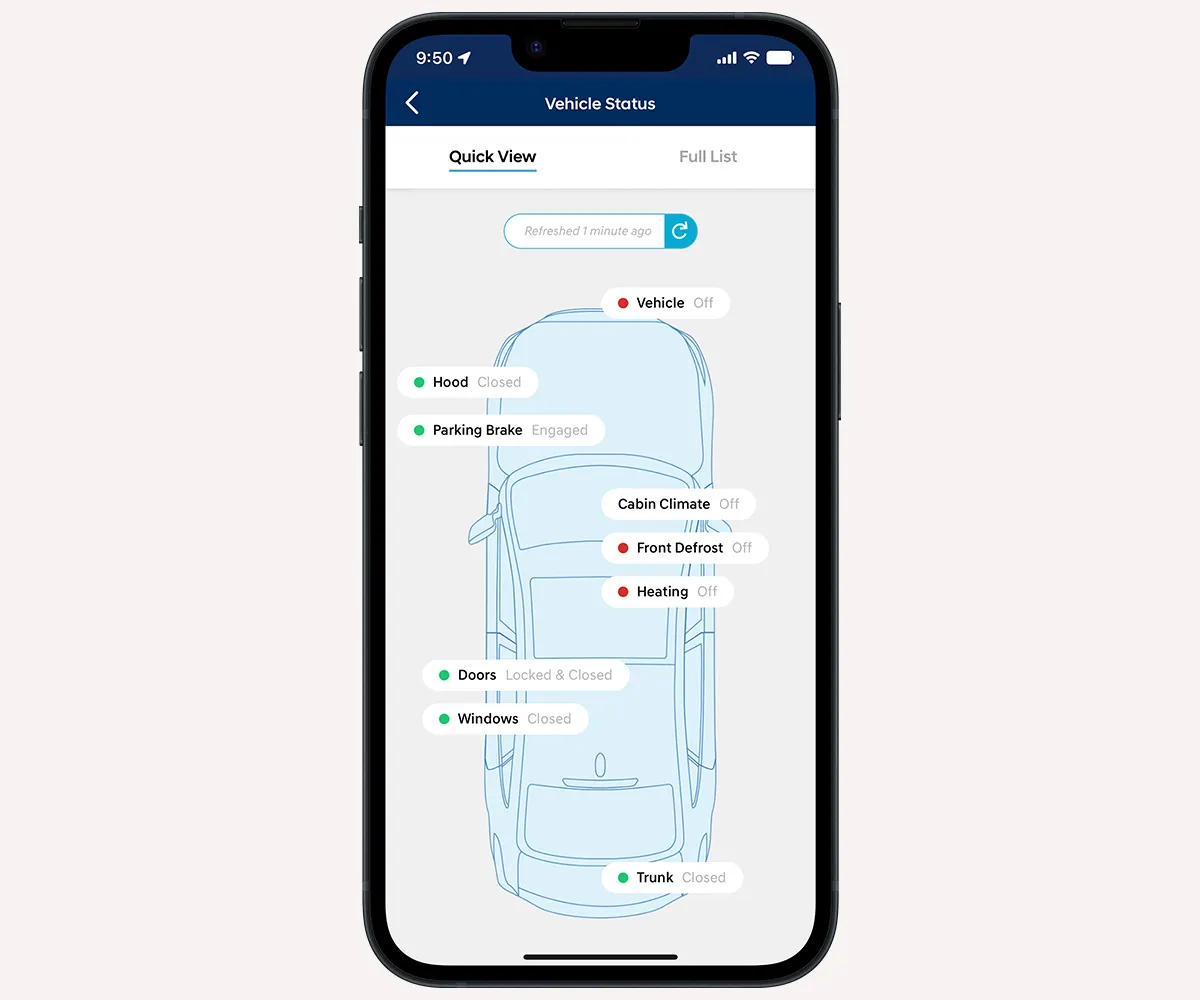
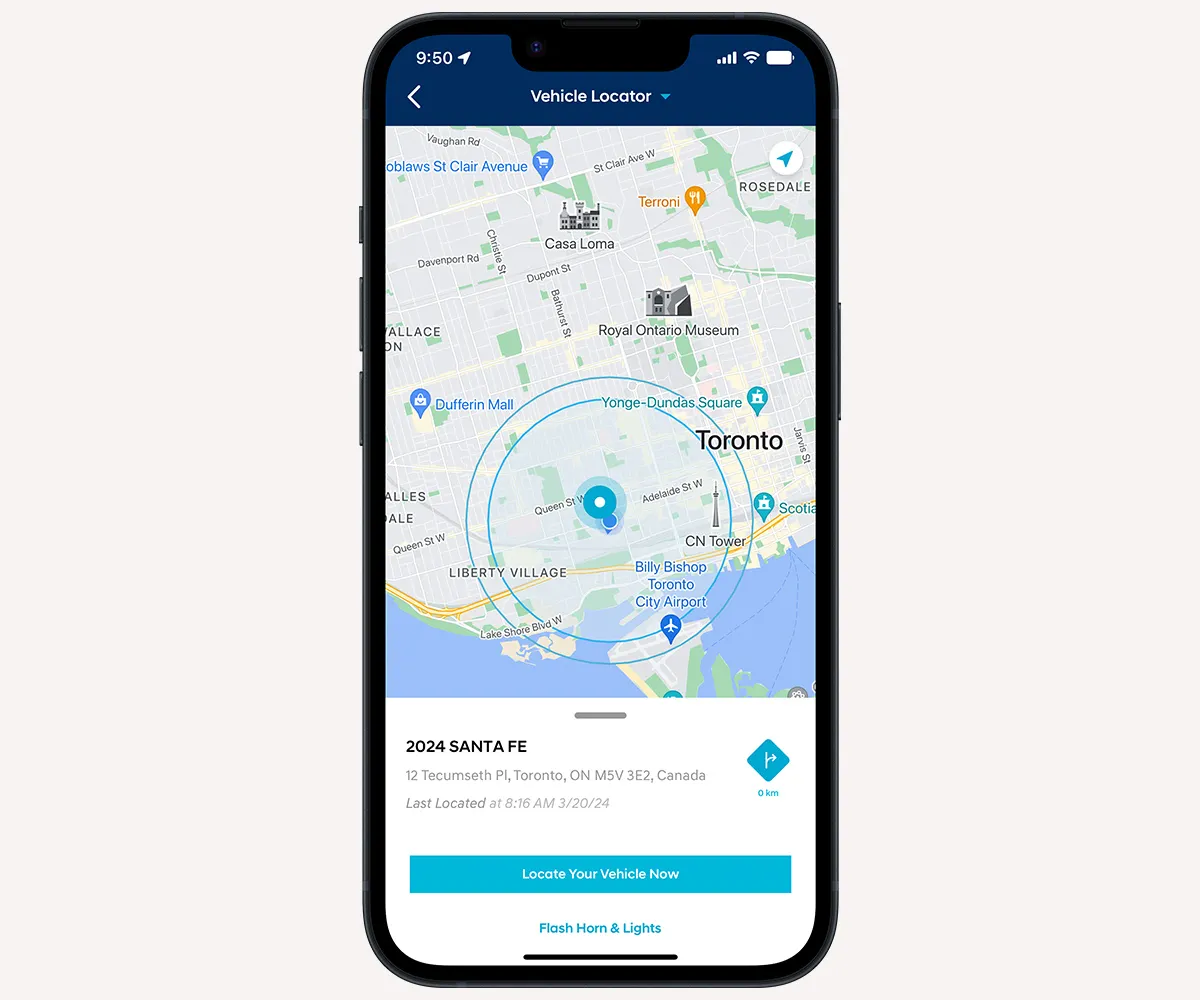
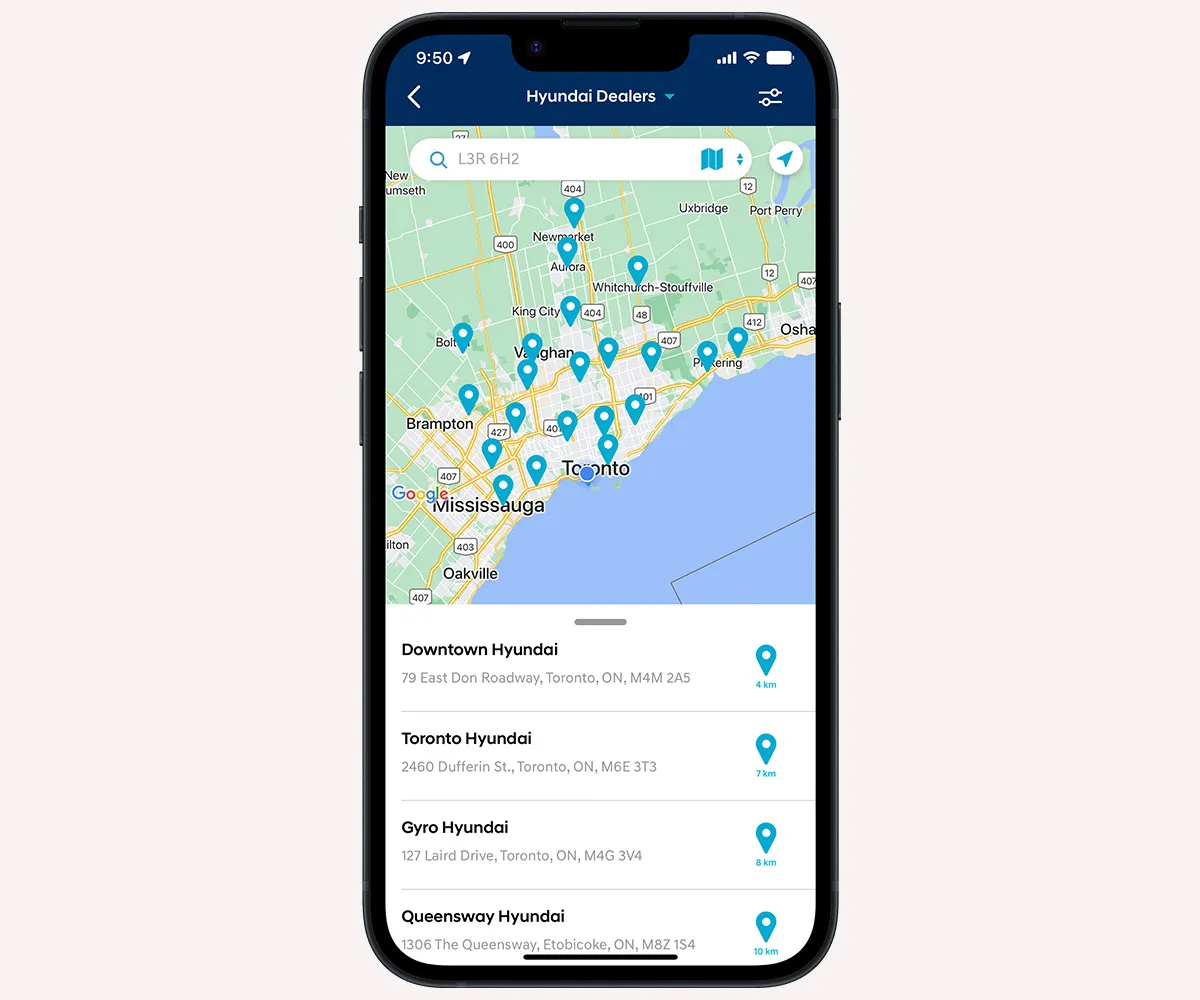

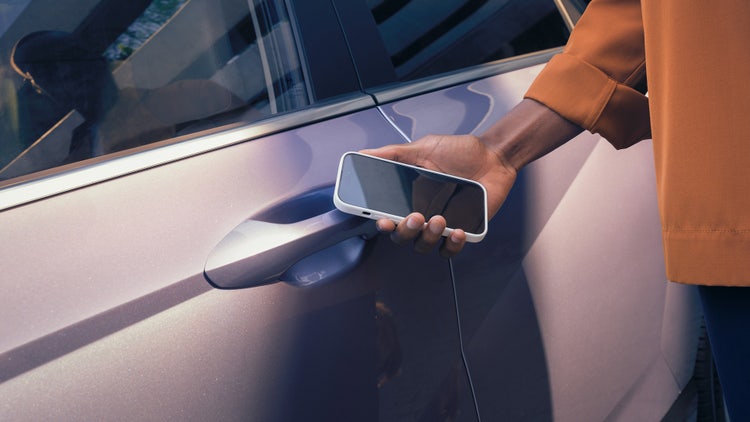



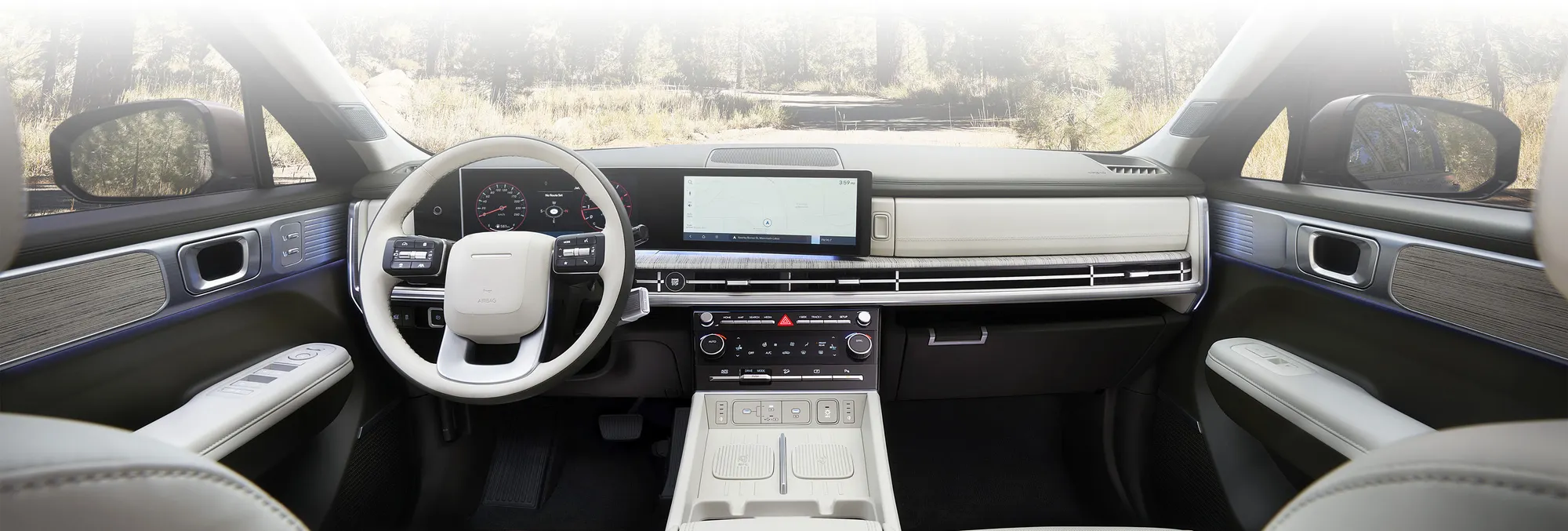
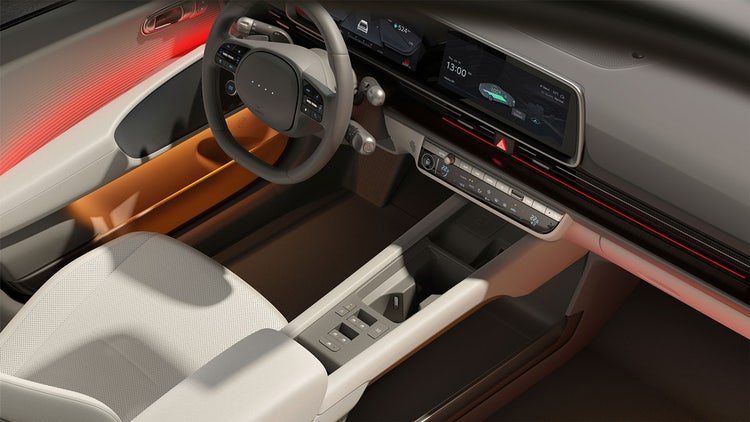
Bluelink® is our connected vehicle system that conveniently keeps you connected with your Hyundai via the smartphone app, and offers a suite of services at the press of a button.
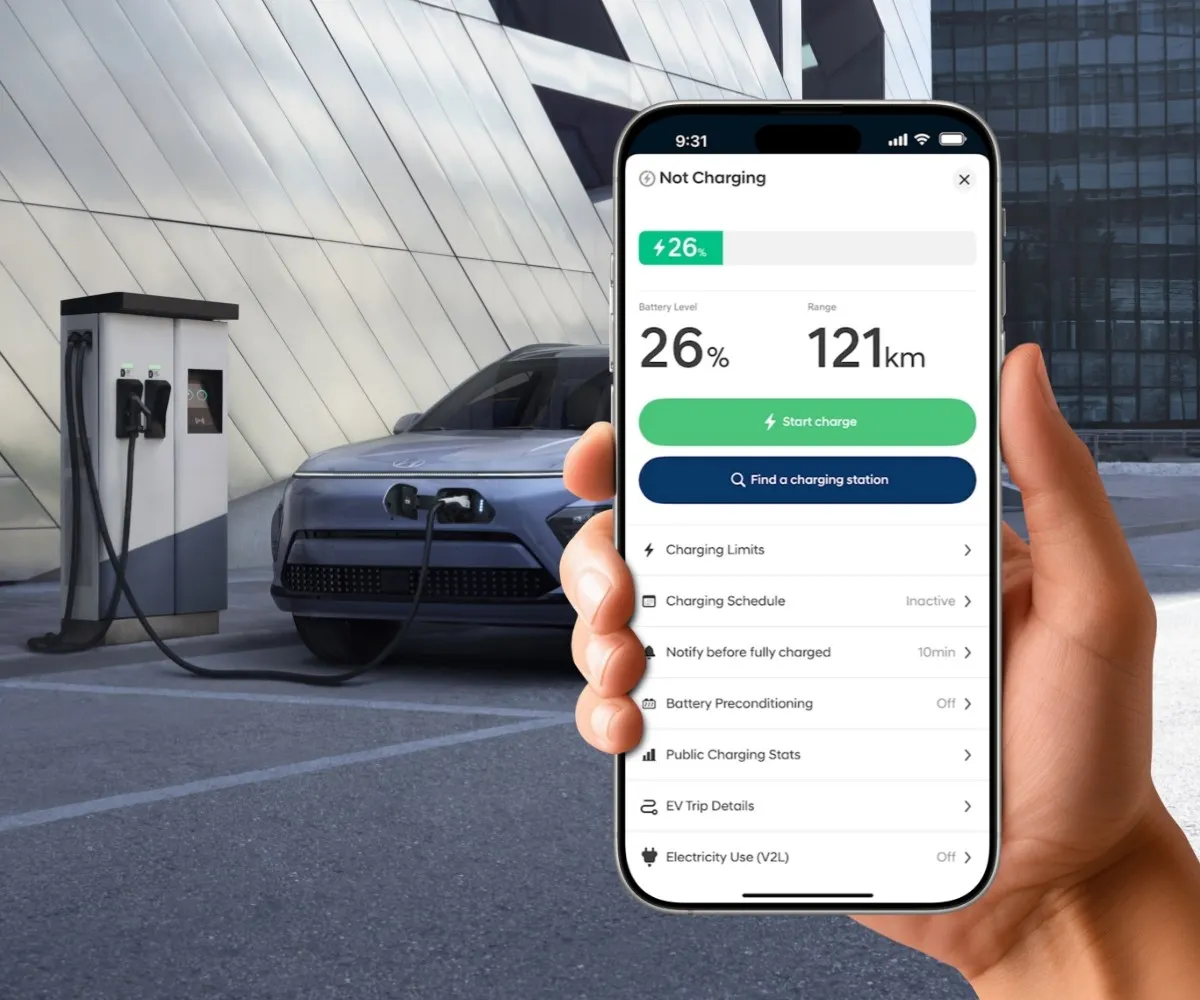
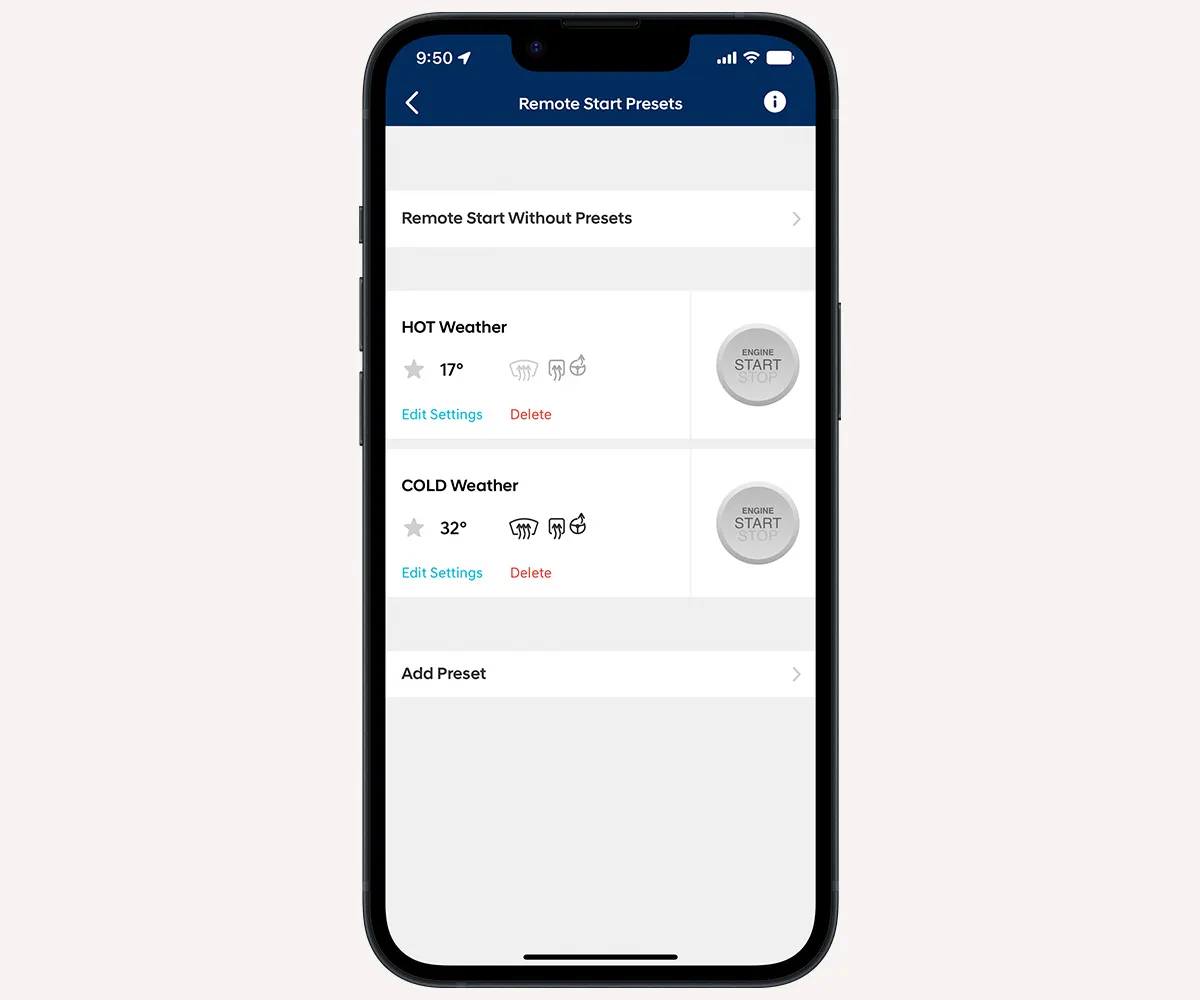
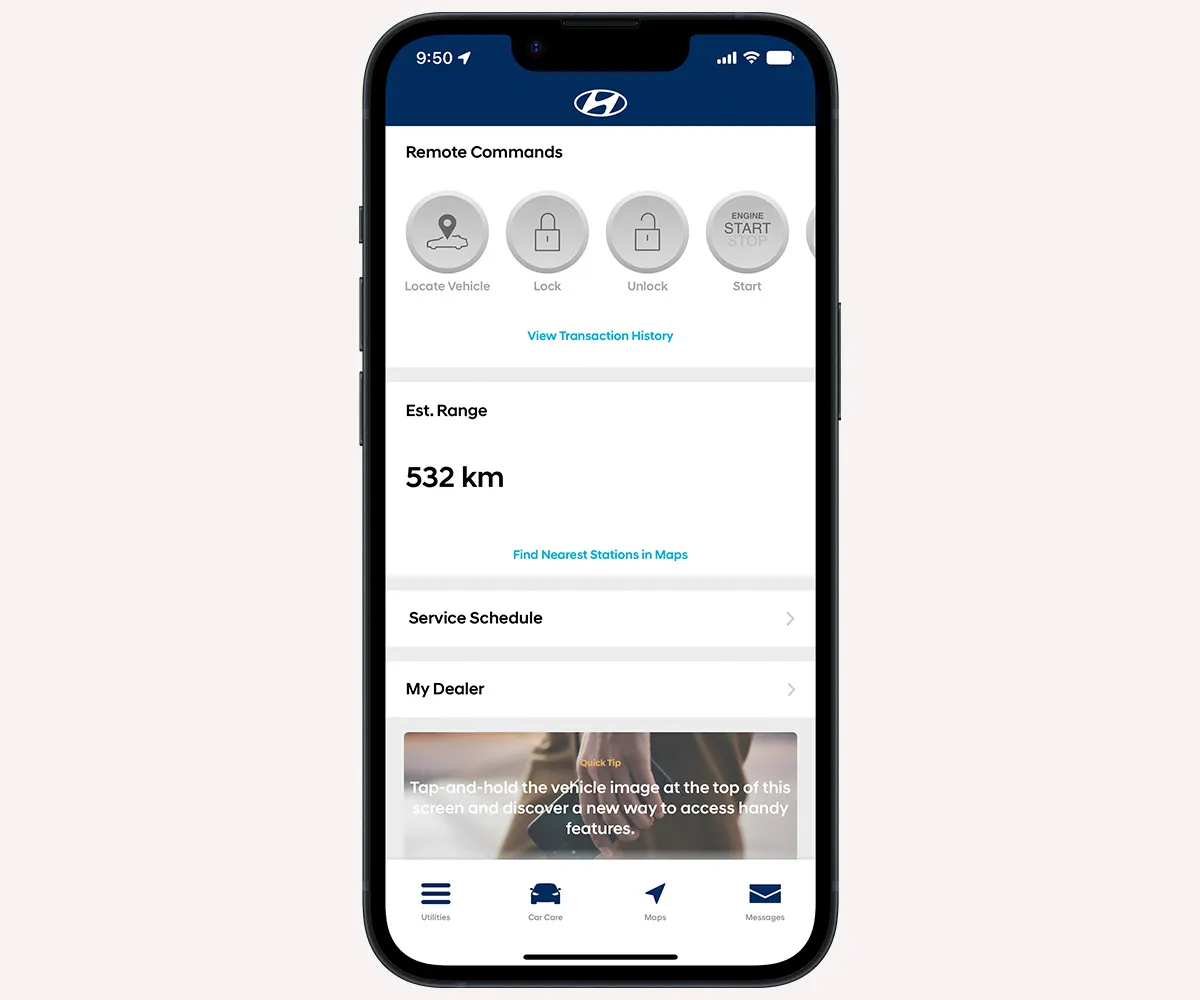
This innovative connected system gives you the ability to remotely lock/unlock and start your vehicle, adjust climate controls and keep track of your vehicle’s health with smart diagnostic tools.
<p style="text-align: center;">Want Bluelink?<br>
Find out which vehicles have Bluelink and which features are available.<br>
</p>
Daily command usage limits vary according to functions. Review the table below for more details:
<table border="0" cellspacing="3" cellpadding="0">
<tbody>
<tr>
<td style="padding: 0cm 7.5pt; text-align: left;">
<p style="text-align: center;"><strong>Command</strong></p>
</td>
<td style="padding: 0cm 7.5pt; text-align: left;">
<p style="text-align: center;"><strong>Daily Usage Limit</strong></p>
</td>
</tr>
<tr>
<td style="padding: 0cm 7.5pt; text-align: left;">
<p style="text-align: center;">Alert Services</p>
</td>
<td style="padding: 0cm 7.5pt; text-align: center;">
<p>24</p>
</td>
</tr>
<tr>
<td style="padding: 0cm 7.5pt; text-align: center;">
<p>EV Services</p>
</td>
<td style="padding: 0cm 7.5pt; text-align: center;">
<p>50</p>
</td>
</tr>
<tr>
<td style="padding: 0cm 7.5pt; text-align: center;">
<p>Find my Car</p>
</td>
<td style="padding: 0cm 7.5pt; text-align: center;">
<p>24</p>
</td>
</tr>
<tr>
<td style="padding: 0cm 7.5pt; text-align: center;">
<p>Maintenance</p>
</td>
<td style="padding: 0cm 7.5pt; text-align: center;">
<p>24</p>
</td>
</tr>
<tr>
<td style="padding: 0cm 7.5pt; text-align: center;">
<p>Remote Door Lock/Unlock</p>
</td>
<td style="padding: 0cm 7.5pt; text-align: center;">
<p>24</p>
</td>
</tr>
<tr>
<td style="padding: 0cm 7.5pt; text-align: center;">
<p>Remote Emergency Light</p>
</td>
<td style="padding: 0cm 7.5pt; text-align: center;">
<p>24</p>
</td>
</tr>
<tr>
<td style="padding: 0cm 7.5pt; text-align: center;">
<p>Remote Horn and Light</p>
</td>
<td style="padding: 0cm 7.5pt; text-align: center;">
<p>24</p>
</td>
</tr>
<tr>
<td style="padding: 0cm 7.5pt; text-align: center;">
<p>Remote Vehicle Status</p>
</td>
<td style="padding: 0cm 7.5pt; text-align: center;">
<p>24</p>
</td>
</tr>
<tr>
<td style="padding: 0cm 7.5pt; text-align: center;">
<p>Remote/Start Stop</p>
</td>
<td style="padding: 0cm 7.5pt; text-align: left;">
<p style="text-align: center;">24</p>
</td>
</tr>
</tbody>
</table>
If you need to reset your password, we’ll send a one-time PIN to the email address on file. Enter the PIN and create your new password. Be sure to check your spam or junk folder and make sure your email settings allow messages from us, if you don’t see the email right away.
Should you require any further assistance, please contact your dealer for support first or contact our support line at 1-844-258-5656 between Monday to Friday: 9AM-8PM and Saturday: 9AM-5:30PM EST.
To reset your password:
1. Click Forgot password
2. Enter your email address and last name based on your Bluelink Registration
3. Confirm your email address and select the email address on the screen to continue
4. Check the PIN you received on your email
5. Enter the PIN on the reset password screen
6. Create a new password that meets the password criteria
7. Click Submit
Alternatively, view our video resource for step-by-step instructions: Password Reset Resource.
